

Getting crisp video today is easier than ever. You can shoot brilliant 4K footage on a cinema rig or just grab your phone out of your pocket. But almost everyone who has tried editing a clip for YouTube or social media hits the exact same wall: the dreaded "unsupported file format" error right when dragging footage into an editor.
Convertio uses a fast mkv to mp4 tool to extract video streams from bulky containers and convert them into universal web formats without quality loss. Figuring out how these file wrappers actually work behind the scenes is the absolute best way to save your sanity before a tight editing deadline.
Understanding Video Containers vs. Codecs
People mix up the terms "codec" and "container" all the time, but they aren't the same thing at all.
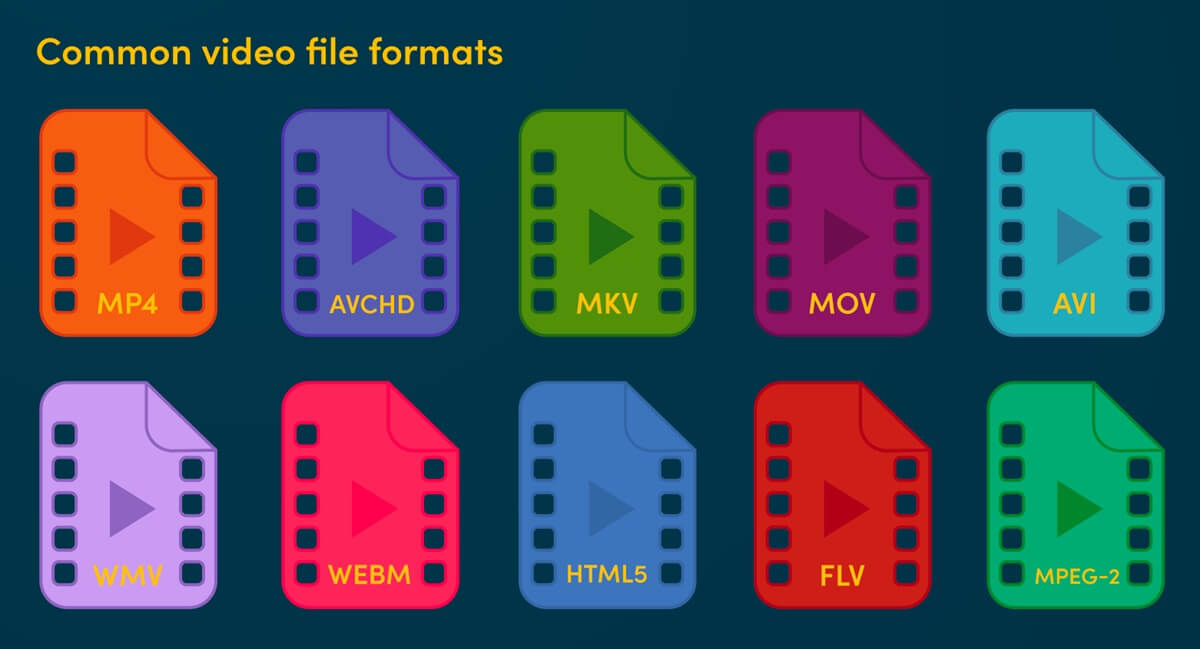
Think of a video codec (like H.264, HEVC, or ProRes) as the actual engine. It compresses your video frames and audio tracks so the file doesn't eat up your entire hard drive. The container (like MP4, MKV, or MOV) is just the digital box. It holds the compressed video, extra audio tracks, subtitles, and metadata together. To see how these multimedia setups evolved over time, you can check out the historical breakdown on Wikipedia.
The MKV Container
Matroska Video (MKV) is a brilliant open-source format. It lets you pack unlimited video streams, multi-language audio, and soft subtitles into a single file. That’s why software like OBS Studio records in MKV by default.
The MP4 Container
MP4 is still the undisputed king of online video. Almost every phone, TV, browser, and social platform reads MP4 out of the box without lag or missing codec errors.
Comparing Popular Video File Extensions
Choosing the right container comes down to what you're doing right now-storing raw backups, editing on a timeline, or delivering a final video to a client:
| Container | Best Use Case | Multi-Audio Support | Web Compatibility | Hardware Support |
|---|---|---|---|---|
| MP4 | Web streaming, social uploads, quick client previews | Basic | Native / Excellent | Universal |
| MKW | OBS stream recording, raw archival backups, multi-language cuts | Exceptional | Limited | Varies by player |
| MOV | Apple ProRes editing workflows, QuickTime projects | High | Moderate | Native on Mac |
| AVI | Legacy Windows applications, old archival storage | Low | Poor | Declining / Legacy |
Fixing Playback and Editing Bottlenecks
Here is a super common problem: MKV is amazing for recording because if your PC crashes mid-game, your file doesn't get corrupted. But when you drop that MKV file into Premiere Pro or DaVinci Resolve, the editor either throws an error or lags like crazy.
Hunting down sketchy desktop software or trying to convert files through command-line scripts is a massive headache. Using fast cloud converters lets you fix format issues in a couple of clicks without freezing your laptop.
Quick Pro Tip: Simply renaming a file on your desktop from .mkv to .mp4 doesn't work. It just breaks the file header and corrupts your footage. Always use a proper conversion pipeline to re-mux or re-encode your files safely.
Best Practices for Managing Video Projects
Good file management habits save you from losing hours of hard work. Here are four practical rules to stick to:
If you're recording long live streams, podcasts, or gameplay, use MKV. If the power cuts out, everything recorded up to that second stays intact.
Don't force your editing software to read stubborn formats. Convert capture files into MP4 or MOV before tossing them onto your timeline to avoid dropped frames.
When rendering your final edit, use H.264 inside an MP4 wrapper. It gives you great visual quality while keeping the file small enough for fast uploading.
Never delete your raw source files until the client fully approves the project. Dump them on an external hard drive-you never know when you'll need to re-render.
Conclusion
Video formats don't have to feel like rocket science. Once you get the difference between capture boxes like MKV and delivery wrappers like MP4, building a smooth workflow gets easy. Keep your raw recordings safe, convert files quickly when software gets picky, and spend your time doing what actually matters-making great content.